

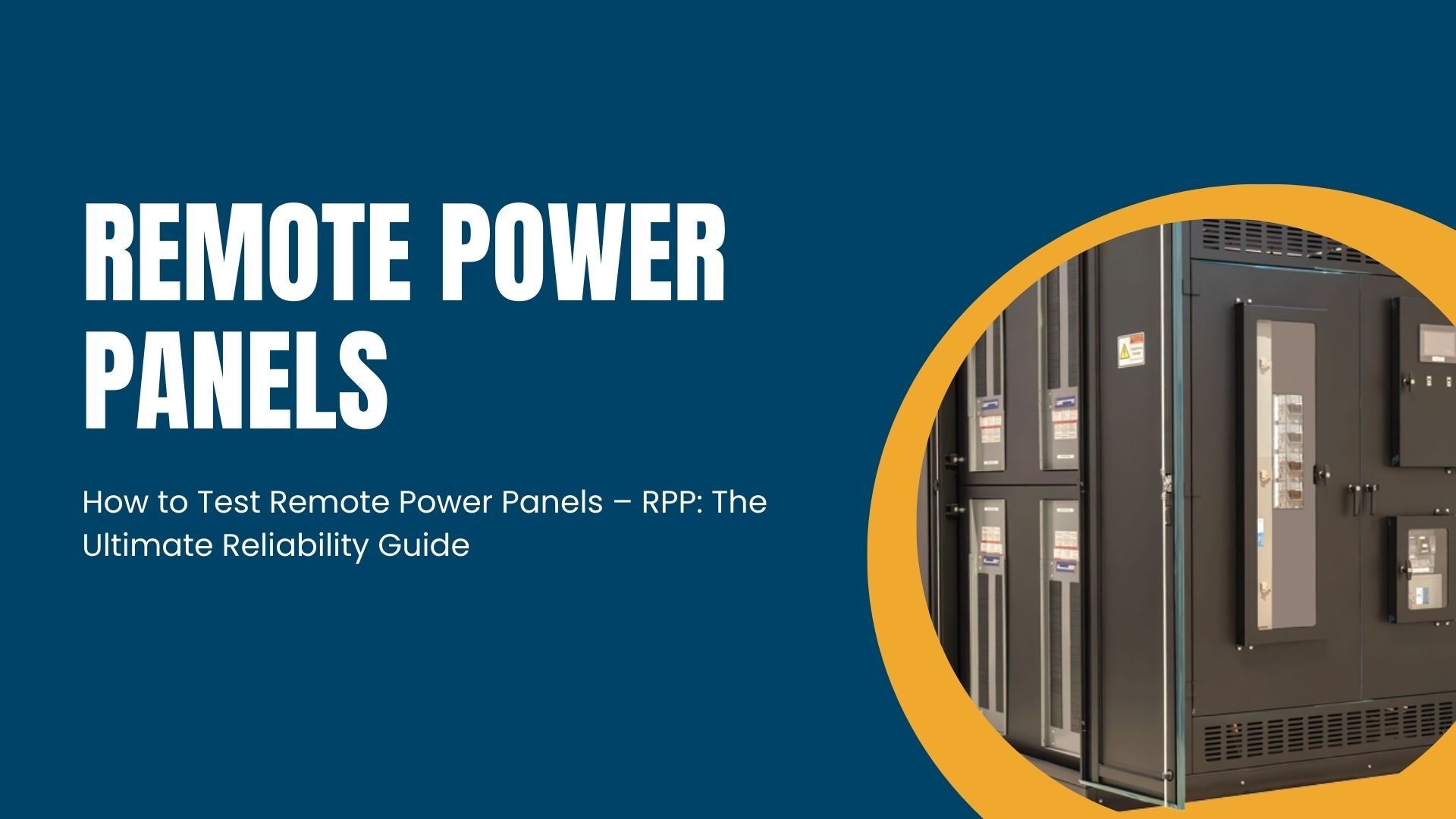
In the high-stakes world of data center management, a Remote Power Panel (RPP) is more than just a box of breakers—it is the final gateway between your heavy-duty power source and your critical IT load. But here is the reality: an RPP is only as good as its last test.
When you install a new Voltz or maintain an existing facility, “assuming” the power is clean and the monitoring is accurate is a recipe for disaster. Whether it’s a loose connection from shipping or a Current Transducer (CT) installed backward, small errors lead to big outages.
This guide provides a human-centric, step-by-step approach to testing your RPP for flawless performance. We’ll skip the overly dense technical jargon and focus on the problem-solving steps that keep your servers humming.
1. Why RPP Testing is Non-Negotiable
Before we touch a single wire, we have to understand the why. Testing an RPP isn’t just about making sure the lights turn on; it’s about validating data integrity and physical safety.
The Problem: The “Silent” Failure
The most dangerous failures in an RPP are silent. A breaker might be slightly unseated, or a monitoring board might be misconfigured. You won’t notice these during a “dry run” with no load, but the moment you plug in a $50,000 server rack, the heat builds up, the data reports incorrectly, and the system crashes.
The Answer: Pre-Operational Validation
You can find problems before the critical load is applied by following a strict testing protocol. At Voltz, we believe in the “Triple-Check” method, which includes checking things in person, electronically, and digitally.
2. Phase One: The Mechanical and Visual Check
Most of the time, RPP problems start with a simple mistake made by a person during shipping or installation. In this step, you will use your eyes and a torque wrench.
Step 1: Check for physical integrity
- Check the Enclosure: Look for dents or scratches that could mean the unit was dropped while it was being shipped.
- Component Seating: Open the panel and make sure that all of the breakers are securely attached to the busbar. A breaker that isn’t tight is a fire risk.
- The “Nut and Bolt” Audit: Check all the lugs that were installed in the factory and in the field with a calibrated torque wrench. Over time, vibrations can make these connections weaker, which can cause “hot spots” with high resistance.
Step 2: Clean and clear
- Cleaning Up: It’s normal to find metal shavings from drilled conduit inside the cabinet. To clean the inside, use a vacuum. Never use compressed air, which pushes dirt deeper into parts.
- Wire Routing: To avoid EMI (Electromagnetic Interference), make sure that the wires for the monitoring system are not touching high-voltage power lines.
3. Static Load Test (also known as the “Donut” Test)
This is the most important part of testing the RPP’s monitoring system. You need to make sure that the Current Transducers, which are the “donuts” that measure amperage, are giving you the right information.
The issue is that the CTs are flipped.
If you put a CT in the wrong way or switch the wiring, your monitoring software will show values of zero or less. This makes capacity planning impossible.
The Solution: Using a Known Load
You don’t need a massive load bank for this. A simple heat gun, shop light, or specialized 10-amp load source will work.
- The Loop Method: Pass a wire through the CTs. If you want to simulate a higher load with a small source, loop the wire through the “donut” twice to double the reading.
- Check the local display or the Voltz management software to make sure the display is correct. If your heat gun pulls 12 amps, but the screen says 0, you’ve found a faulty CT or a wiring error.
- Check the Orientation: Ensure that “Circuit 1” on the panelboard actually shows up as “Circuit 1” on your screen. In a 42-pole panel, it’s incredibly easy to mislabel these.
4. Phase Three: Communication and Network Verification
An RPP that can’t “talk” to your Building Management System (BMS) is just a basic breaker box.
Step 1: Address and Protocol Setup
- Modbus/SNMP Configuration: Set the IP address, Slave ID, and Baud Rate.
- The Ping Test: From a remote terminal, “ping” the RPP to ensure it is visible on the facility LAN.
Step 2: Polling Speed and Recording Data
- Test the Connection Under Stress: Set your monitoring software to check the RPP as often as possible. This helps find network bottlenecks or “ghost” alarms that only go off when the network is busy.
- Take Screenshots: Always write down the readings while you are testing. This makes a “Day Zero” baseline that shows the equipment was in perfect working order when it was given to operations.
Conclusion
Testing a remote power panel is a long and careful process, but it’s the only way to be sure that your data center is safe. By catching loose connections, faulty sensors, and network glitches today, you prevent the catastrophic outages of tomorrow.
Whether you are a seasoned facility manager or a new technician, remember that your Voltz RPP is the backbone of your rack. Treat the testing phase as the most important day of the installation.
Frequently Asked Questions (FAQs)
1. Can I test an RPP while it is “Hot” (Energized)?
Visual and thermal inspections can be done while hot, but any mechanical tightening or wiring changes must be done while the panel is de-energized. Safety first: always follow your facility’s Lockout/Tagout (LOTO) procedures.
2. What is the most common error found during RPP testing?
Reversed Current Transducers (CTs). Because they are small and often packed tightly into the panel, it is very common for them to be installed upside down, leading to incorrect or missing data in your monitoring software.
3. How often should I re-test my RPP?
We recommend a physical inspection and an Infrared (IR) Thermal Scan once a year. A full re-validation of the monitoring system should occur during any major hardware refresh or every 3–5 years.
4. Why are my RPP readings different from my UPS readings?
There is always a small amount of “line loss” between the UPS and the RPP. However, if the difference is more than 2-3%, you likely have a calibration issue or a high-resistance connection that needs to be torqued.
5. Do I need a professional load bank for RPP testing?
For a final Integrated Systems Test (IST), a load bank is great. But for initial RPP commissioning, simple portable loads (like 1500W heat guns) are often better for checking individual branch circuits one by one.
6. What should be in my final testing report?
At a minimum, include: torque values for all lugs, a record of the IP address/settings, photos of the load test readings for each circuit board, and a “Punch List” of any items that need to be addressed by the vendor.
