

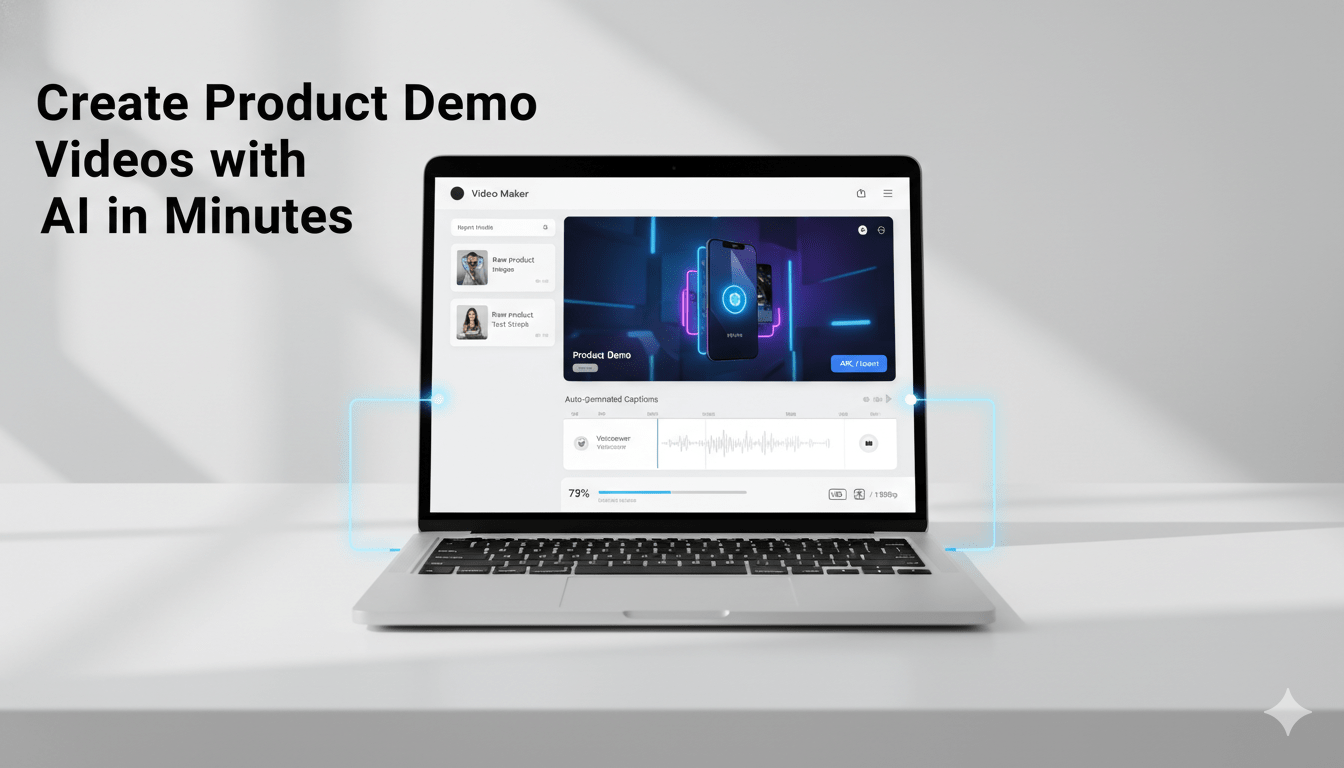
Product demo videos have become one of the most effective ways for businesses to explain their products. Instead of reading long descriptions, customers prefer watching a short video that shows how something works.
However, creating demo videos traditionally requires recording, scripting, voiceovers, and editing — a process that can take hours or even days.
Today, artificial intelligence (AI) has simplified this process. Businesses and marketers can now create product demo videos in minutes using AI-powered tools. This article explains how AI product video creation works, why it matters, and how you can use it effectively.
Why Product Demo Videos Are Important
Modern buyers want quick and clear product understanding. A demo video helps them see the product in action.
Product demo videos help businesses:
- Explain features visually
- Reduce customer confusion
- Increase engagement
- Improve conversion rates
- Support onboarding and training
Research in video marketing consistently shows that viewers retain information better from video than from text alone. This makes demo videos especially valuable for software, apps, and digital products.
How AI Has Changed Product Video Creation
Traditional demo video creation involves multiple steps:
- Writing a script
- Recording the screen
- Recording voice narration
- Editing clip
- Adding captions and music
AI tools automate many of these steps. They can analyze screen recordings or screenshots and automatically generate narration, captions, and synchronized visuals.
This allows businesses to produce demo videos faster and at lower cost, without advanced editing skills.
Step-by-Step: Creating Product Demo Videos with AI
1. Record Your Product Workflow
Start by capturing your product in use. Focus on a clear scenario such as:
- Completing a task
- Using a key feature
- Solving a user problem
Keep recordings short and focused. A single workflow is often enough for a demo video.
2. Upload Visual Content to an AI Tool
Most AI video tools accept:
- Screen recordings
- Screenshots
- Interface images
The AI analyzes on-screen actions and layout elements to understand what is happening in the product.
3. Generate the Narration Script
AI can automatically create a voiceover script describing:
- What the user is doing
- Which feature is shown
- What benefit it provides
You can usually edit tone and style to match your audience, such as professional, friendly, or instructional.
4. Add AI Voiceover
Instead of recording audio manually, AI generates natural-sounding narration. Many tools offer multiple voices and accents.
This removes the need for microphones, recording rooms, or voice talent.
5. Sync Visuals and Narration
AI automatically aligns:
- Cursor movements
- Screen transitions
- Feature highlights
- Text overlays
This synchronization step normally takes significant editing time when done manually.
6. Export and Share
Once generated, the demo video can be exported for different uses:
- Website landing pages
- Social media
- Product tutorials
- Customer onboarding
- Sales presentations
The entire process can often be completed within minutes.
Best Practices for Effective AI Demo Videos
AI speeds up creation, but strategy still matters. Consider these practices:
Focus on One Clear Outcome
Each demo should answer a single question:
What can the user achieve with this feature?
Avoid showing too many features at once.
Keep Videos Short
Recommended lengths:
- Landing page demo: 30–60 seconds
- Feature demo: 60–90 seconds
- Tutorial: 2–3 minutes
Shorter videos maintain viewer attention.
Emphasize Benefits, Not Just Features
Instead of describing interface elements, explain value.
Example:
- Feature-focused: “Analytics dashboard”
- Benefit-focused: “Track performance instantly”
Use Captions
Many viewers watch without sound. Captions improve accessibility and comprehension.
AI tools can generate captions automatically.
Maintain Consistent Branding
Use consistent:
- Colors
- Fonts
- Logo placement
- Tone
This builds brand recognition across multiple videos.
Common Use Cases for AI Product Demo Videos
AI demo videos can support many business functions:
- Product launches
- SaaS marketing
- Mobile app promotion
- Feature announcements
- Customer onboarding
- Help center tutorials
- Sales enablement
- Training materials
Because AI enables fast production, teams can create multiple videos for different audiences or features.
AI vs Traditional Video Production
|
Aspect |
Traditional Production |
AI-Assisted Production |
|
Time required |
Hours or days |
Minutes |
|
Cost |
High |
Low |
|
Technical skills |
Editing needed |
Minimal |
|
Voiceover |
Manual recording |
AI generated |
|
Scalability |
Limited |
High |
|
Updating videos |
Slow |
Fast |
AI does not replace creativity but reduces repetitive technical work.
Tips for Businesses and Marketers
If you are new to AI demo videos, start with these steps:
- Choose one key product feature
- Record a simple workflow
- Generate a short demo
- Place it on your landing page
- Measure engagement or conversions
You can then expand into tutorials, onboarding, and marketing videos.
Frequently Asked Questions
What is an AI product video tool?
It is software that converts product visuals such as screen recordings into narrated demo videos using automation and artificial intelligence.
Do I need editing skills to create AI demo videos?
No. AI tools handle scripting, narration, and synchronization automatically.
How long does it take to create a demo video with AI?
Many AI tools can generate a complete demo video within minutes after uploading the visual content.
Are AI demo videos suitable for marketing?
Yes. They help audiences quickly understand products, which improves engagement and conversion rates.
What types of businesses benefit most from AI demo videos?
Software companies, app developers, online services, and digital product businesses benefit the most because their products are interface-based.
Conclusion
Product demo videos are essential for modern digital marketing and customer education. However, traditional production methods are slow and resource-intensive.
AI has transformed this process. Businesses and marketers can now create clear, professional demo videos quickly using automated tools. This enables faster communication, better product understanding, and scalable video content creation.
As AI video technology continues to evolve, demo video creation will become even more accessible to businesses of all sizes.
