

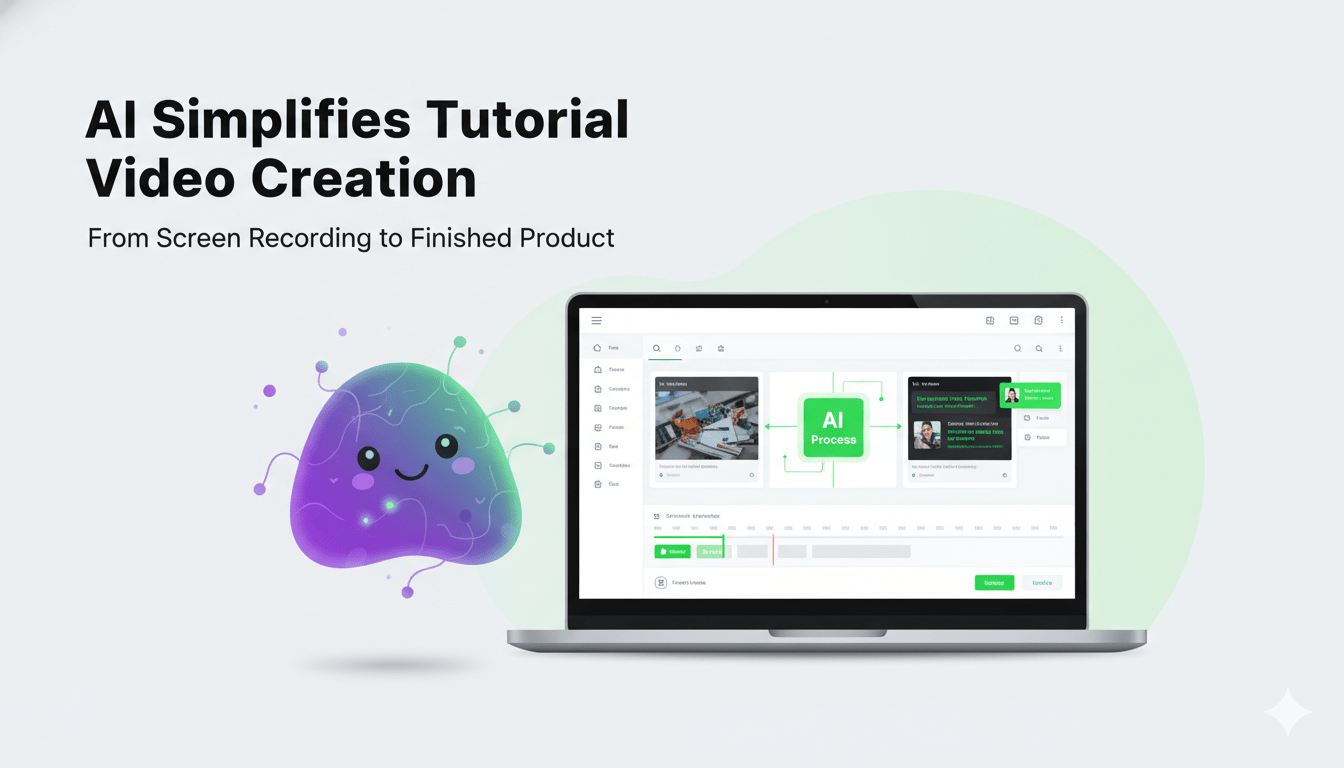
Introduction: The Rise of AI in Tutorial Video Creation
Creating tutorial videos used to feel overwhelming.
You needed:
- Expensive cameras
- Professional editing software
- Clean audio setup
- Video editing skills
- Hours of post-production
For beginners, this often became a barrier to starting.
Today, an Ai Tutorial Video Maker removes most of these obstacles. With AI-powered automation, anyone can create structured, professional-quality tutorial videos in a fraction of the time.
Whether you’re:
- A new YouTuber
- An online course creator
- A SaaS founder
- A teacher moving online
- Or a freelancer building authority
AI tools now simplify the entire process.
Let’s explore how.
What Is an Ai Tutorial Video Maker?
An Ai Tutorial Video Maker is a software tool that uses artificial intelligence to automate key parts of video production.
It can:
- Generate scripts
- Convert text to video
- Add AI voiceovers
- Create subtitles
- Suggest visuals
- Edit automatically
- Optimize pacing
Instead of juggling multiple tools, beginners can create videos from one platform.
How It Works (Simplified)
- Input your idea, script, or screen recording
- AI analyzes the content
- It structures the tutorial
- Adds visuals, transitions, and voiceovers
- Exports a ready-to-publish video
The complexity happens behind the scenes. The user experience stays simple.
Why Beginners Struggle with Traditional Video Creation
Before AI tools, beginners faced several common problems.
1. Technical Overwhelm
Learning video editing software like Premiere Pro or Final Cut takes time.
2. Time Constraints
Editing one 10-minute tutorial could take 4–6 hours.
3. Budget Limitations
Hiring:
- Editors
- Scriptwriters
- Voiceover artists
Can be expensive.
4. Confidence Issues
Many beginners dislike being on camera.
An Ai Tutorial Video Maker solves all four.
Step-by-Step: Creating Your First AI Tutorial Video
Let’s break this down into a beginner-friendly workflow.
Step 1: Choose a Clear Topic
Be specific.
Instead of:
“Instagram Marketing”
Try:
“How to Set Up Instagram Ads for Small Businesses”
Clear topics create better engagement.
Step 2: Generate or Upload a Script
Most AI tools allow:
- Auto script generation from prompts
- Converting blog posts into video scripts
- Converting screen recordings into structured narration
Tip: Use short sentences and clear transitions.
Step 3: Select AI Voice and Style
You can customize:
- Voice tone (professional, friendly, educational)
- Accent
- Speed
- Subtitle style
This eliminates microphone setup completely.
Step 4: Add Visual Elements
AI can:
- Insert stock footage
- Highlight key points
- Zoom into screen actions
- Add animated text overlays
This keeps your tutorial engaging.
Step 5: Export and Publish
Optimize your video with:
- SEO-friendly title
- Description
- Timestamps
- Strong thumbnail
Now your tutorial is ready for YouTube, LMS platforms, or social media.
Real Example: Beginner to Course Creator
Case Study: Mark’s Online Excel Course
Mark wanted to create Excel tutorials but had no video experience.
Before AI:
- 5 hours editing per video
- Poor audio quality
- Inconsistent structure
After Using an Ai Tutorial Video Maker:
- 45 minutes per video
- Professional AI voiceover
- Auto-generated captions
- Structured lesson flow
Within 3 months:
- He published 20 lessons
- Launched a beginner Excel course
- Generated consistent passive income
AI didn’t replace his expertise. It amplified it.
Can AI Replace Human Creativity?
Short answer: No.
But it enhances productivity.
What AI Does Well
- Automates editing
- Improves pacing
- Cleans up scripts
- Standardizes quality
- Saves time
What Humans Still Do Best
- Add personal stories
- Deliver emotional tone
- Create unique teaching methods
- Build community connection
The best approach? Combine both.
Pros and Cons of Using an Ai Tutorial Video Maker
Pros
- Saves massive time
- Beginner-friendly
- Reduces production cost
- Scalable content creation
- No need for expensive gear
Cons
- May lack natural emotion
- Requires minor manual edits
- Some tools have subscription costs
- Can feel generic if overused
Balance is key.
Common Mistakes Beginners Should Avoid
1. Relying 100% on AI Scripts
Always personalize your content.
2. Choosing Generic Topics
Stand out by targeting specific problems.
3. Ignoring Audio Clarity
Even AI voiceovers need proper pacing and tone selection.
4. Overloading with Effects
Keep tutorials clean and educational.
5. Skipping SEO Optimization
Your video must be discoverable.
Expert Tips for Creating Professional-Looking AI Tutorials
Use Clear Learning Objectives
State what viewers will learn within the first 20 seconds.
Keep Videos Short
6–12 minutes works well for beginners.
Add Examples
Real examples increase retention.
Repurpose Content
Turn one tutorial into:
- Blog post
- Short-form clips
- Email content
- Social media posts
Track Engagement Metrics
Improve based on:
- Watch time
- Drop-off points
- Comments
AI simplifies production — but strategy drives success.
How AI Improves Online Education
AI tools are transforming:
- Online courses
- Corporate training
- YouTube education channels
- Coaching programs
Benefits include:
- Faster course production
- Lower barrier to entry
- Global accessibility
- Multilingual voiceovers
Beginners can compete with established creators.
Is an Ai Tutorial Video Maker Worth It?
If you:
- Want to start a YouTube channel
- Plan to launch an online course
- Need internal training materials
- Want scalable educational content
Then yes.
It reduces friction between idea and execution.
Instead of waiting for perfect conditions, you can start today.
The Future of AI in Tutorial Creation
AI is rapidly evolving.
Soon, tools will:
- Auto-generate quizzes
- Suggest thumbnails
- Predict engagement
- Personalize content for different audiences
- Convert tutorials into interactive learning modules
Early adopters gain a strong advantage.
Conclusion: Start Creating Smarter, Not Harder
Creating tutorial videos no longer requires advanced editing skills or expensive equipment.
An Ai Tutorial Video Maker empowers beginners to:
- Launch faster
- Produce consistent content
- Maintain professional quality
- Scale educational impact
Don’t wait for perfection.
Choose a topic. Generate your script. Let AI handle the heavy lifting.
Your first professional tutorial video is closer than you think.
FAQ Section
1. What is an Ai Tutorial Video Maker?
An Ai Tutorial Video Maker is software that uses artificial intelligence to automate scripting, voiceovers, editing, and formatting to create professional tutorial videos.
2. Can beginners use AI to create tutorial videos?
Yes. Most AI tools are beginner-friendly and require no advanced editing skills.
3. Do I need a camera to use an Ai Tutorial Video Maker?
No. Many AI tools allow you to create videos without filming yourself by using AI avatars or voiceovers.
4. Is AI video creation expensive?
Many platforms offer affordable subscription plans compared to hiring editors or production teams.
5. Can AI generate video scripts automatically?
Yes. AI can create structured scripts from prompts, blog posts, or screen recordings.
6. Are AI-generated tutorial videos good for YouTube?
Yes. With proper SEO optimization and personalization, they can perform very well.
7. Does AI add subtitles automatically?
Most AI video makers automatically generate accurate captions.
8. Can I edit AI-generated videos?
Yes. You can customize visuals, voice, text, and layout before publishing.
9. Is AI better than manual editing?
AI is faster and easier, especially for beginners, but combining AI with human refinement gives the best results.
10. What industries benefit from AI tutorial videos?
Education, SaaS, digital marketing, corporate training, coaching, and content creation industries benefit greatly.
