

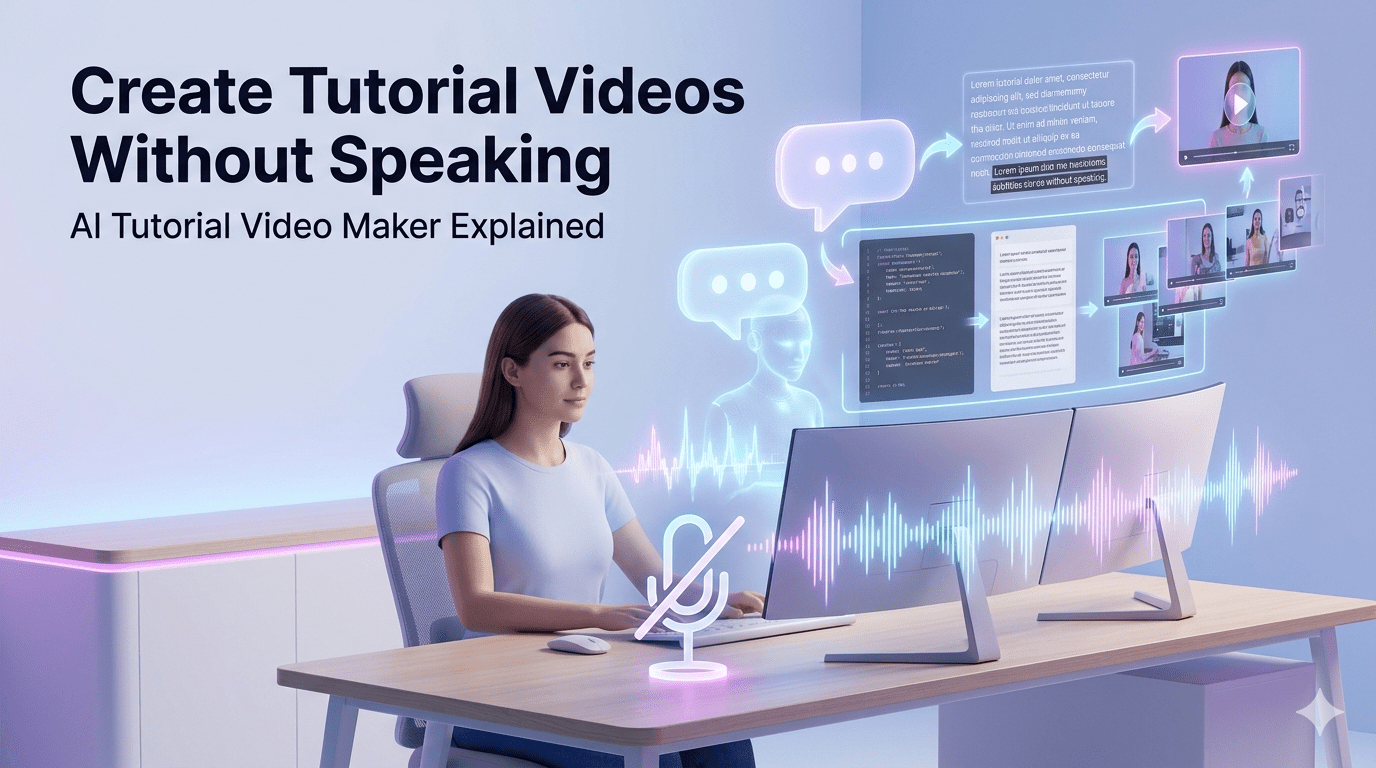
Creating tutorial videos used to mean recording your voice, editing mistakes, and spending hours perfecting the final output. For many creators, educators, and businesses, this process can be time-consuming and uncomfortable—especially if you’re not confident speaking on camera or recording voiceovers.
But what if you could create high-quality tutorial videos without speaking at all?
Thanks to advancements in artificial intelligence, that’s now possible. AI tutorial video makers are transforming how instructional content is created—making it faster, easier, and more accessible than ever before.
Why Traditional Tutorial Creation Is Challenging
Before diving into AI solutions, it’s important to understand the common struggles people face when creating tutorials:
- Voice recording anxiety – Not everyone is comfortable recording their voice
- Time-consuming editing – Cutting mistakes, syncing audio, and adding captions takes hours
- Inconsistent quality – Audio quality can vary depending on equipment and environment
- Language barriers – Creating content for a global audience becomes difficult
These challenges often delay or even prevent people from creating valuable educational content.
What Is an AI Tutorial Video Maker?
An AI tutorial video maker is a tool that automates the process of turning ideas, scripts, or screen recordings into polished tutorial videos—without requiring manual voiceovers or complex editing.
These tools typically use:
- Text-to-speech (TTS) for natural-sounding narration
- Automated captions and subtitles
- Screen recording enhancements
- Script generation using AI
- Smart editing features
In simple terms, you provide the content, and the AI handles the heavy lifting.
How You Can Create Tutorials Without Speaking
Creating a tutorial video without speaking is now a streamlined process. Here’s how it typically works:
1. Record Your Screen or Prepare Content
Start by capturing your workflow or preparing slides, steps, or visuals. This could include:
- Software demonstrations
- Step-by-step guides
- Product walkthroughs
2. Add a Script (Optional but Powerful)
Instead of speaking, you can write a script that explains your tutorial clearly. Many AI tools can also generate scripts automatically based on your content.
3. Use AI Voice Generation
AI converts your script into a natural-sounding voiceover. You can often choose:
- Different accents and tones
- Male or female voices
- Multiple languages
4. Auto-Generate Captions
Captions are created instantly, improving accessibility and viewer engagement.
5. Let AI Edit the Video
AI tools can:
- Remove silence or unnecessary sections
- Add transitions and highlights
- Sync visuals with narration
6. Export and Share
Once complete, your tutorial is ready to publish on platforms like YouTube, websites, or learning portals.
Key Benefits of AI-Powered Tutorial Creation
Using AI to create tutorial videos without speaking offers several advantages:
Saves Time
What used to take hours can now be done in minutes. Automation reduces manual editing and recording work.
No Voice Recording Needed
Perfect for those who are camera-shy or lack professional audio equipment.
Consistent Quality
AI-generated voices maintain clarity and consistency across all videos.
Scalable Content Creation
You can create multiple tutorials quickly—ideal for businesses, educators, and content creators.
Multilingual Support
Reach a global audience by generating voiceovers in different languages.
Use Cases for AI Tutorial Videos
AI tutorial video makers are useful across multiple industries and purposes:
- Educational content – Teachers creating lessons without recording lectures
- Software tutorials – Explaining tools and platforms step-by-step
- Customer onboarding – Helping users understand products quickly
- Employee training – Standardized internal training materials
- Content marketing – Creating engaging how-to videos for audiences
Best Practices for Creating High-Quality AI Tutorials
Even with AI, quality still depends on how you structure your content. Follow these best practices:
✔ Keep It Clear and Structured
Break your tutorial into simple steps using headings and logical flow.
✔ Write Conversational Scripts
Even if you’re not speaking, your script should sound natural and easy to follow.
✔ Use Visual Highlights
Zoom-ins, annotations, and callouts help viewers understand key points.
✔ Avoid Overloading Information
Focus on one topic per video to maintain clarity.
✔ Review Before Publishing
Always check for accuracy, timing, and clarity before finalizing your video.
Are AI Tutorial Video Makers the Future?
AI is rapidly changing how digital content is created. While traditional video creation still has its place, AI tools are making tutorials more accessible to everyone—regardless of technical skills or confidence in speaking.
As these tools continue to evolve, we can expect:
- More realistic AI voices
- Smarter editing capabilities
- Better personalization options
- Faster content production workflows
For creators and businesses alike, adopting AI isn’t just a trend—it’s becoming a necessity to stay competitive.
Final Thoughts
Creating tutorial videos no longer requires a microphone, a studio setup, or hours of editing. AI tutorial video makers have simplified the process, allowing anyone to produce professional-quality tutorials without speaking.
Whether you’re an educator, marketer, or business owner, leveraging AI can help you save time, scale content production, and deliver consistent value to your audience.
If you’ve been holding back from creating tutorials because of voice recording or editing challenges, now is the perfect time to explore what AI can do.
