

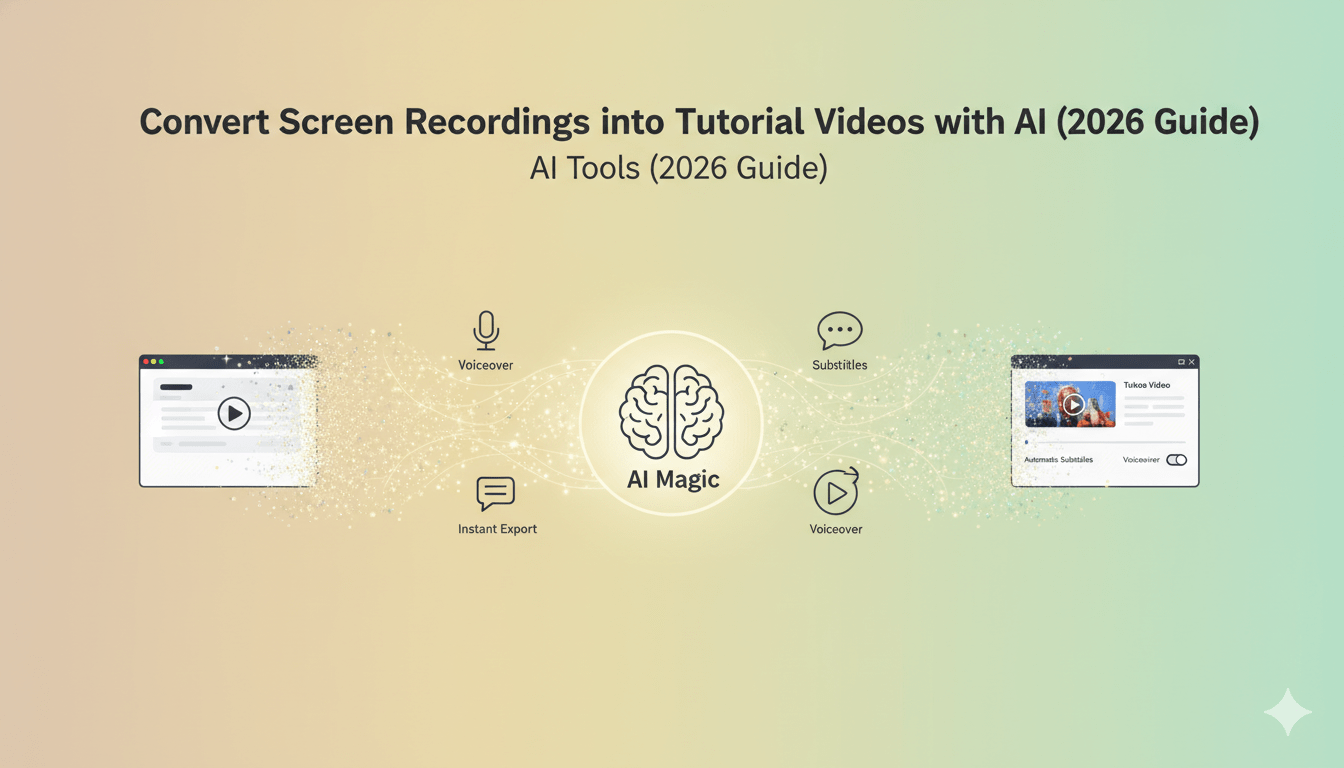
Creating tutorial videos used to be a time-consuming process. From recording your screen to editing, adding voiceovers, and polishing visuals—it often required hours of effort and technical expertise.
But in 2026, things have changed dramatically.
With the rise of AI-powered tools, you can now convert simple screen recordings into professional tutorial videos in minutes. Whether you’re a SaaS company, educator, or content creator, these tools simplify the entire workflow while improving video quality.
In this guide, we’ll explore how AI tools are transforming tutorial video creation—and what to look for when choosing the best one.
Why Tutorial Videos Matter More Than Ever
Tutorial videos are one of the most effective ways to explain complex ideas quickly. Instead of long documentation or static images, videos provide a clear, visual walkthrough.
Here’s why they’re essential:
- Improve user understanding and engagement
- Reduce support queries and onboarding friction
- Increase product adoption and retention
- Help convert viewers into customers
For software companies especially, tutorial videos are no longer optional—they’re a key part of the user experience.
The Challenge with Traditional Video Creation
Before AI tools became mainstream, creating tutorial videos involved multiple steps:
- Recording the screen
- Writing a script
- Editing clips manually
- Adding voiceovers
- Syncing visuals with narration
This process required video editing skills and tools, making it difficult for teams without dedicated resources.
That’s where AI tools step in.
What Is an AI Tutorial Video Maker?
An AI tutorial video maker is a tool that automatically transforms your screen recordings into polished videos. It uses artificial intelligence to handle tasks like:
- Script generation
- Scene detection
- Voiceover creation
- Subtitles and captions
- Transitions and visual enhancements
Instead of editing everything manually, you simply upload your recording and let the tool do the heavy lifting.
Key Features to Look for in 2026
Not all AI tools are created equal. If you’re choosing the best tool to convert screen recordings into tutorial videos, here are the must-have features:
1. Automatic Script Generation
A good AI tool should analyze your screen recording and generate a clear, structured script that explains what’s happening.
2. AI Voiceovers
Look for tools that offer natural-sounding voiceovers in multiple tones and accents. This eliminates the need for manual recording.
3. Smart Scene Detection
The tool should automatically split your recording into logical sections or steps, making the video easier to follow.
4. Subtitles and Captions
Captions improve accessibility and engagement. AI-generated subtitles save time and ensure accuracy.
5. Easy Editing Interface
Even with automation, you should have the option to tweak text, timing, and visuals easily.
6. Fast Processing
Speed matters. The best tools can turn raw recordings into finished videos within minutes.
How AI Tools Simplify the Workflow
Let’s break down how a modern AI tool transforms a basic screen recording into a professional tutorial video:
Step 1: Upload Your Recording
You start by uploading your screen capture—this could be a product walkthrough, demo, or training session.
Step 2: AI Analyzes the Content
The tool detects actions, transitions, and key moments in the video.
Step 3: Script and Voiceover Creation
AI generates a script and pairs it with a natural voiceover that matches the flow of the video.
Step 4: Visual Enhancement
Transitions, highlights, and zoom effects are added automatically to improve clarity.
Step 5: Export and Share
Within minutes, your tutorial video is ready to publish on your website, social media, or help center.
Benefits of Using AI for Tutorial Videos
Switching to AI-powered tools offers several advantages:
Faster Production
Create videos in minutes instead of hours.
Cost Efficiency
No need for expensive editing software or professional editors.
Consistent Quality
Maintain a uniform style across all your tutorial videos.
Better Engagement
AI-enhanced visuals and voiceovers keep viewers interested.
Scalability
Produce multiple videos quickly for different features or use cases.
Who Should Use These Tools?
AI tutorial video makers are ideal for:
- SaaS companies creating product demos
- Educators building online courses
- Customer support teams making help videos
- Digital marketers producing explainer content
- Content creators on platforms like YouTube
If your workflow involves explaining processes or software, these tools can significantly improve efficiency.
Tips for Creating Better Tutorial Videos
Even with AI, quality still depends on your input. Here are some best practices:
Keep Recordings Clear
Avoid unnecessary movements or clutter on your screen.
Focus on One Topic
Each video should solve a specific problem or explain a single feature.
Use Short Segments
Break content into small, digestible steps.
Add Context
Make sure the viewer understands why each step matters.
Review Before Publishing
Always check the final output to ensure accuracy and clarity.
Common Mistakes to Avoid
- Overloading videos with too much information
- Using robotic or unnatural voiceovers
- Ignoring subtitles and accessibility
- Skipping script review
- Publishing without testing the video flow
Avoiding these mistakes can significantly improve the effectiveness of your tutorial videos.
The Future of AI in Video Creation
AI is evolving rapidly, and tutorial video creation is just the beginning.
In the near future, we can expect:
- Real-time video generation
- Personalized tutorials for users
- Interactive video experiences
- More human-like AI narration
As these technologies improve, creating high-quality videos will become even more accessible to everyone.
Conclusion
AI tools have completely transformed how tutorial videos are created. What once required hours of editing can now be done in minutes with minimal effort.
If you regularly create screen recordings, adopting an AI-powered solution can save time, reduce costs, and improve the quality of your content.
The key is to choose a tool that offers automation without sacrificing control—so you can create videos that are both efficient and engaging.
