

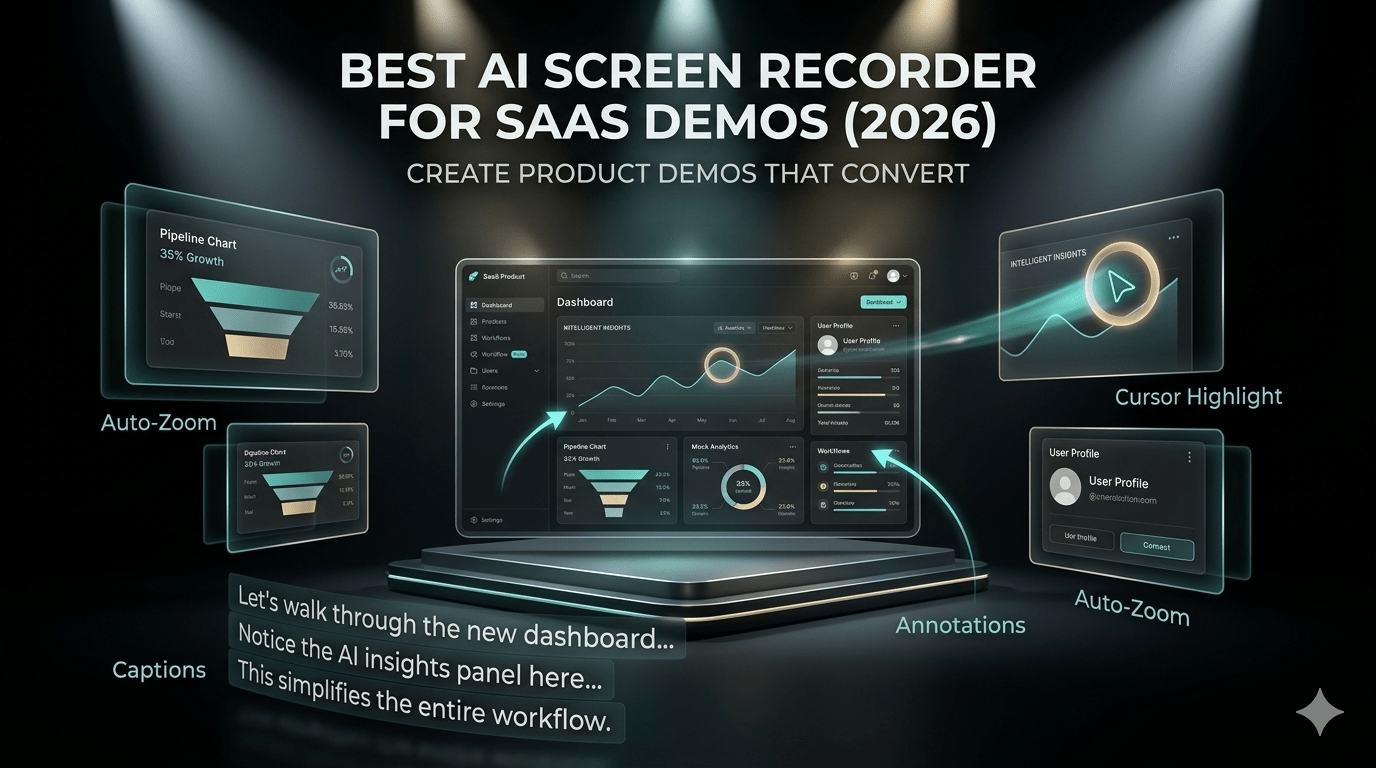
Creating compelling SaaS product demos has always been a challenge. You need to explain complex features, keep viewers engaged, and maintain a professional look—all while saving time. In 2026, AI-powered screen recorders are transforming how SaaS companies create demo videos, making the process faster, smarter, and more scalable.
In this guide, we’ll explore what makes an AI screen recorder ideal for SaaS product demos, key features to look for, and how to choose the right tool for your needs.
Why SaaS Product Demos Need AI Screen Recorders
Traditional screen recording tools require manual editing, voiceovers, and multiple revisions. This often leads to:
- Long production times
- Inconsistent quality across demos
- High dependency on editing skills
AI screen recorders solve these problems by automating much of the workflow. From generating voiceovers to adding captions and highlighting key actions, these tools significantly reduce effort while improving output quality.
For SaaS businesses, this means faster demo creation and better communication with prospects.
Key Features to Look for in an AI Screen Recorder
Not all AI screen recorders are built the same. When choosing one for SaaS product demos, focus on features that directly impact clarity, engagement, and scalability.
1. Automated Voiceovers
AI-generated voiceovers eliminate the need for manual narration. Look for tools that:
- Offer multiple voice options
- Provide natural-sounding speech
- Allow script-based narration
This is especially useful for teams creating multiple demos for different audiences.
2. Smart Editing Capabilities
Editing is often the most time-consuming part of demo creation. AI tools simplify this by:
- Automatically trimming silence
- Removing filler words
- Highlighting cursor movements
These features help produce clean, professional videos without advanced editing skills.
3. Auto Captions and Subtitles
Captions are essential for accessibility and engagement. A good AI screen recorder should:
- Generate accurate subtitles instantly
- Support multiple languages
- Allow easy editing of text
Studies show that videos with captions often retain viewers longer, making this a critical feature.
4. Workflow Automation
For SaaS companies, scalability matters. Choose tools that can:
- Turn recordings into polished demos automatically
- Apply consistent branding
- Generate multiple versions of the same video
This is particularly helpful for onboarding videos, tutorials, and feature updates.
5. Easy Sharing and Integration
A great demo is only useful if it’s easy to share. Look for:
- Instant share links
- Embedding options for websites
- Integration with marketing or CRM tools
This ensures your demos reach the right audience quickly.
Benefits of Using AI Screen Recorders for SaaS Demos
Switching to AI-powered tools offers several advantages beyond just saving time.
Faster Production Time
AI tools can reduce hours of work into minutes. What once required scripting, recording, editing, and exporting can now be done in a single workflow.
Consistent Brand Messaging
AI ensures uniform tone, style, and structure across all demos. This consistency is crucial for maintaining a strong brand identity.
Improved Viewer Engagement
Features like captions, highlights, and smooth transitions make demos easier to follow. This leads to:
- Better user understanding
- Higher retention rates
- Increased conversions
Scalability for Growing SaaS Teams
As your product evolves, you’ll need more demos. AI tools make it easy to:
- Update existing videos
- Create new ones quickly
- Customize content for different user segments
Use Cases of AI Screen Recorders in SaaS
AI screen recorders aren’t limited to just product demos. They can be used across various stages of the customer journey.
Product Walkthroughs
Showcase key features and guide users through your platform step by step.
Customer Onboarding
Create simple tutorials that help new users get started without confusion.
Sales Demonstrations
Provide personalized demo videos for prospects, improving conversion rates.
Internal Training
Train teams efficiently by creating standardized instructional videos.
How to Choose the Right AI Screen Recorder
With so many tools available, selecting the right one can be overwhelming. Here’s a simple framework to help you decide.
Define Your Goals
Ask yourself:
- Are you creating demos for marketing or support?
- Do you need multilingual content?
- How frequently will you produce videos?
Your answers will guide your tool selection.
Evaluate Ease of Use
A tool should simplify your workflow, not complicate it. Look for:
- Intuitive interfaces
- Minimal learning curve
- Quick setup
Check Output Quality
Always test the final video output. Pay attention to:
- Audio clarity
- Visual sharpness
- Smooth transitions
Consider Budget and Scalability
Choose a tool that fits your current needs but can also scale as your business grows.
Best Practices for Creating SaaS Product Demos
Even with the best AI tools, following proven practices ensures your demos deliver results.
Keep It Short and Focused
Avoid overwhelming viewers. Focus on one feature or problem per video.
Start with a Clear Value Proposition
Explain what the viewer will gain within the first few seconds.
Use Simple Language
Avoid technical jargon. Make your content easy to understand for all users.
Highlight Key Actions
Use visual cues like cursor highlights or zoom effects to guide attention.
Include a Call-to-Action
End your demo with a clear next step, such as signing up or exploring a feature.
Final Thoughts
AI screen recorders are no longer just a convenience—they’re becoming essential for SaaS companies aiming to scale their video content efficiently. By automating time-consuming tasks and enhancing video quality, these tools allow teams to focus on what truly matters: delivering value to users.
Choosing the right AI screen recorder depends on your specific goals, but prioritizing features like automation, captions, and ease of use will set you on the right path. As SaaS competition continues to grow in 2026, high-quality product demos can be a powerful differentiator.
