

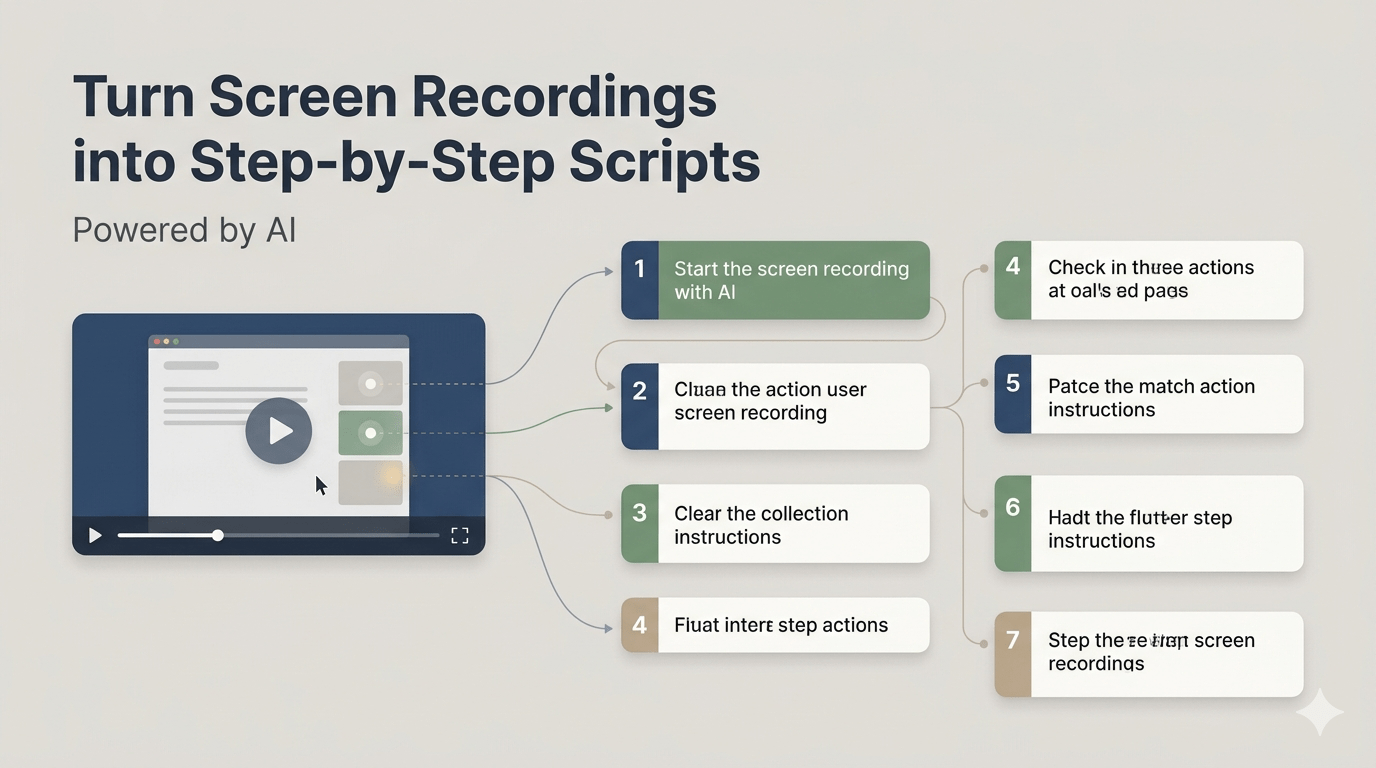
Creating clear and structured scripts from screen recordings can be time-consuming—especially when you need to manually watch, pause, and document every action. Whether you’re building tutorials, product demos, or training materials, converting raw recordings into step-by-step scripts is essential for clarity and consistency.
Fortunately, artificial intelligence (AI) has made this process faster and more efficient. With the right approach, you can transform any screen recording into a well-organized script in minutes instead of hours.
In this guide, we’ll explore how AI helps streamline this process and how you can use it effectively.
Why Convert Screen Recordings into Scripts?
Screen recordings are useful, but they aren’t always easy to follow—especially for users who prefer written instructions. Turning them into scripts offers several benefits:
- Improved accessibility: Written content supports users who prefer reading over watching.
- Better documentation: Scripts can be reused for help centers, blogs, or manuals.
- Enhanced clarity: Step-by-step instructions reduce confusion.
- SEO advantages: Written content can be indexed by search engines.
By combining video and text, you create a more comprehensive learning experience.
Challenges of Manual Script Creation
Before AI tools became widely available, creating scripts from recordings involved:
- Watching the video multiple times
- Pausing and rewinding frequently
- Writing each step manually
- Organizing and formatting content afterward
This process is not only slow but also prone to human error. Missing a step or misinterpreting an action can lead to inaccurate documentation.
How AI Simplifies Script Generation
AI-powered tools can analyze screen recordings and automatically generate structured scripts. These tools use technologies like:
- Speech recognition to transcribe audio
- Computer vision to detect on-screen actions
- Natural language processing (NLP) to convert raw data into readable instructions
Instead of starting from scratch, you get a draft script that you can refine and publish.
Step-by-Step Process to Convert Screen Recordings into Scripts
1. Record a Clear and Structured Video
Before using AI, ensure your screen recording is clean and easy to follow:
- Use a consistent flow
- Avoid unnecessary pauses
- Speak clearly if narration is included
- Highlight important actions
A well-recorded video improves AI accuracy significantly.
2. Upload the Recording to an AI Tool
Once your video is ready, upload it to an AI-powered platform that supports script generation. These tools typically process the video and extract:
- Audio transcripts
- Visual actions
- Key steps in sequence
The better the input quality, the better the output.
3. Generate the Initial Script
After processing, the AI will produce a draft script. This usually includes:
- Step-by-step instructions
- Time-based segmentation
- Descriptions of on-screen actions
At this stage, the script may not be perfect—but it provides a strong starting point.
4. Edit and Refine the Content
AI-generated scripts still require human review. Focus on:
- Correcting any inaccuracies
- Simplifying complex sentences
- Adding missing steps if needed
- Ensuring logical flow
You can also adjust tone and style to match your audience.
5. Format for Readability
Structure your script to make it easy to read:
- Use headings and subheadings
- Add bullet points for steps
- Keep sentences short and clear
- Highlight important actions
Proper formatting improves user experience and engagement.
6. Enhance with Visual Elements
To make your script more engaging:
- Add screenshots from the recording
- Include annotations or highlights
- Use diagrams or infographics where necessary
Visual support helps readers understand instructions faster.
Best Practices for High-Quality AI Scripts
To get the best results, follow these best practices:
Keep Instructions Simple
Avoid jargon and write in plain language. Your goal is to make instructions easy to follow for all users.
Maintain Logical Flow
Ensure each step follows naturally from the previous one. Disorganized content can confuse readers.
Verify Accuracy
Always cross-check the script against the original recording to avoid errors.
Use Consistent Terminology
Stick to the same terms throughout the script to maintain clarity.
Focus on User Intent
Think about what the reader wants to achieve and tailor the script accordingly.
Common Mistakes to Avoid
Even with AI, certain mistakes can reduce content quality:
- Over-reliance on automation: Skipping manual review
- Ignoring structure: Publishing unformatted text
- Adding too much promotion: Turning the script into a sales pitch
- Using vague instructions: Not clearly explaining actions
- Skipping visuals: Missing opportunities to enhance understanding
Avoiding these pitfalls ensures your content remains valuable and professional.
Use Cases for AI-Generated Scripts
This approach is useful across various industries and content types:
- Software tutorials: Step-by-step guides for applications
- Product demonstrations: Explaining features clearly
- Employee training: Internal documentation and onboarding
- Educational content: Online courses and lessons
- Customer support: Help center articles and FAQs
By converting recordings into scripts, you make information more accessible and reusable.
The Future of AI in Content Creation
AI is rapidly evolving, and its role in content creation is expanding. In the near future, we can expect:
- More accurate action detection
- Real-time script generation
- Better contextual understanding
- Seamless integration with content platforms
However, human input will always remain essential for ensuring quality, accuracy, and creativity.
Conclusion
Turning screen recordings into step-by-step scripts no longer has to be a tedious task. With AI, you can automate the most time-consuming parts while still maintaining control over the final output.
By combining AI efficiency with human refinement, you can create high-quality, structured, and engaging scripts that provide real value to your audience. Whether you’re creating tutorials, training materials, or documentation, this approach helps you work smarter and deliver better results.
