

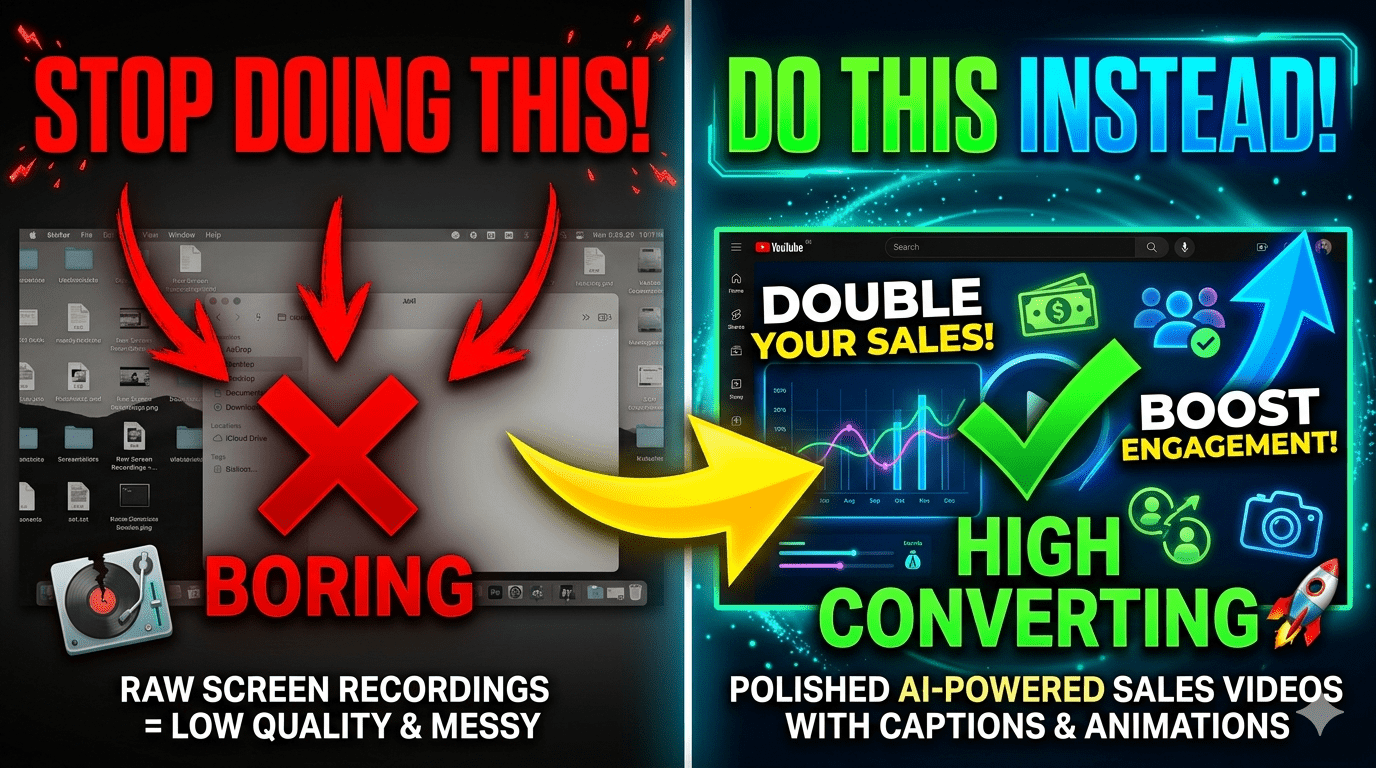
In today’s fast-paced digital world, attention spans are shrinking, and expectations for content quality are rising. Yet, many businesses still rely on raw screen recordings to explain their products or services. While these recordings may be quick to produce, they often fail to engage, persuade, or convert viewers.
If your goal is to turn viewers into customers, it’s time to move beyond basic recordings and embrace AI-powered video transformation. By leveraging modern tools, you can convert simple screen captures into polished, high-converting sales videos that captivate your audience.
Why Raw Screen Recordings No Longer Work
Raw screen recordings were once a go-to solution for tutorials and product demos. However, they come with several limitations:
- Lack of engagement: Plain recordings often feel monotonous and fail to hold attention.
- Poor storytelling: Without structure, viewers struggle to understand the core message.
- Unpolished visuals: No transitions, captions, or branding elements reduce credibility.
- Low conversion rates: Viewers may watch but rarely take action.
In a competitive digital landscape, these drawbacks can cost you valuable leads and sales.
What Makes a Sales Video Effective?
A sales video is not just about showing your product—it’s about telling a story that resonates with your audience and drives action. Effective sales videos typically include:
- A strong hook: Capture attention within the first few seconds
- Clear messaging: Focus on benefits, not just features
- Visual enhancements: Use animations, highlights, and captions
- Call-to-action (CTA): Guide viewers on what to do next
Transforming a raw recording into a structured sales video ensures your message is both clear and compelling.
How AI Transforms Screen Recordings into Sales Videos
Artificial Intelligence has revolutionized video creation by automating complex editing tasks. Here’s how AI can upgrade your content:
1. Automated Script Generation
AI tools can analyze your recording and generate a professional script that improves clarity and flow. This ensures your video communicates the right message effectively.
2. Smart Editing and Scene Detection
AI identifies key moments in your recording and removes unnecessary pauses or errors. It can also split content into logical scenes for better storytelling.
3. Voiceovers and Subtitles
Add natural-sounding voiceovers and accurate subtitles automatically. This improves accessibility and keeps viewers engaged even without sound.
4. Visual Enhancements
AI tools can insert:
- Smooth transitions
- Zoom effects
- On-screen annotations
- Branding elements
These enhancements make your video look professional and visually appealing.
5. Personalization at Scale
AI allows you to create multiple versions of a video tailored to different audiences, increasing relevance and conversion potential.
Benefits of Turning Recordings into AI Sales Videos
Upgrading your content with AI offers measurable advantages:
Higher Engagement
Professionally edited videos keep viewers watching longer.
Better Conversion Rates
Clear messaging and strong CTAs encourage users to take action.
Time Efficiency
AI automates editing, saving hours of manual work.
Consistent Branding
Maintain a uniform look and feel across all your videos.
Scalability
Produce more videos without increasing production costs significantly.
Best Practices for Creating High-Converting AI Videos
To maximize results, follow these proven strategies:
1. Start with a Clear Goal
Define what you want your video to achieve—lead generation, product awareness, or sales.
2. Keep It Concise
Avoid unnecessary details. Focus on delivering value quickly.
3. Highlight Benefits Over Features
Explain how your product solves a problem rather than listing technical details.
4. Use Engaging Visuals
Incorporate text overlays, animations, and highlights to guide viewer attention.
5. Include a Strong Call-to-Action
End your video with a clear next step, such as signing up or making a purchase.
Common Mistakes to Avoid
Even with AI, certain mistakes can reduce effectiveness:
- Overloading information: Too much content can overwhelm viewers
- Ignoring audio quality: Poor sound can ruin an otherwise great video
- Weak opening: Failing to grab attention early leads to drop-offs
- No clear CTA: Viewers won’t act if they’re not guided
Avoiding these pitfalls ensures your videos perform at their best.
The Future of Video Content Is AI-Driven
As AI technology continues to evolve, the gap between basic recordings and professional videos will only widen. Businesses that adopt AI-powered video creation early will gain a competitive edge by producing high-quality content faster and more efficiently.
Instead of settling for raw recordings, you can now create videos that not only inform but also persuade and convert.
Conclusion
Raw screen recordings may be easy to create, but they rarely deliver the results businesses need. By transforming them into AI-powered sales videos, you can elevate your content, engage your audience, and drive meaningful conversions.
The shift from simple recordings to intelligent video production isn’t just a trend—it’s a necessity in today’s digital marketing landscape. If you want your content to stand out and perform, now is the time to embrace AI and turn your videos into powerful sales tools.
