

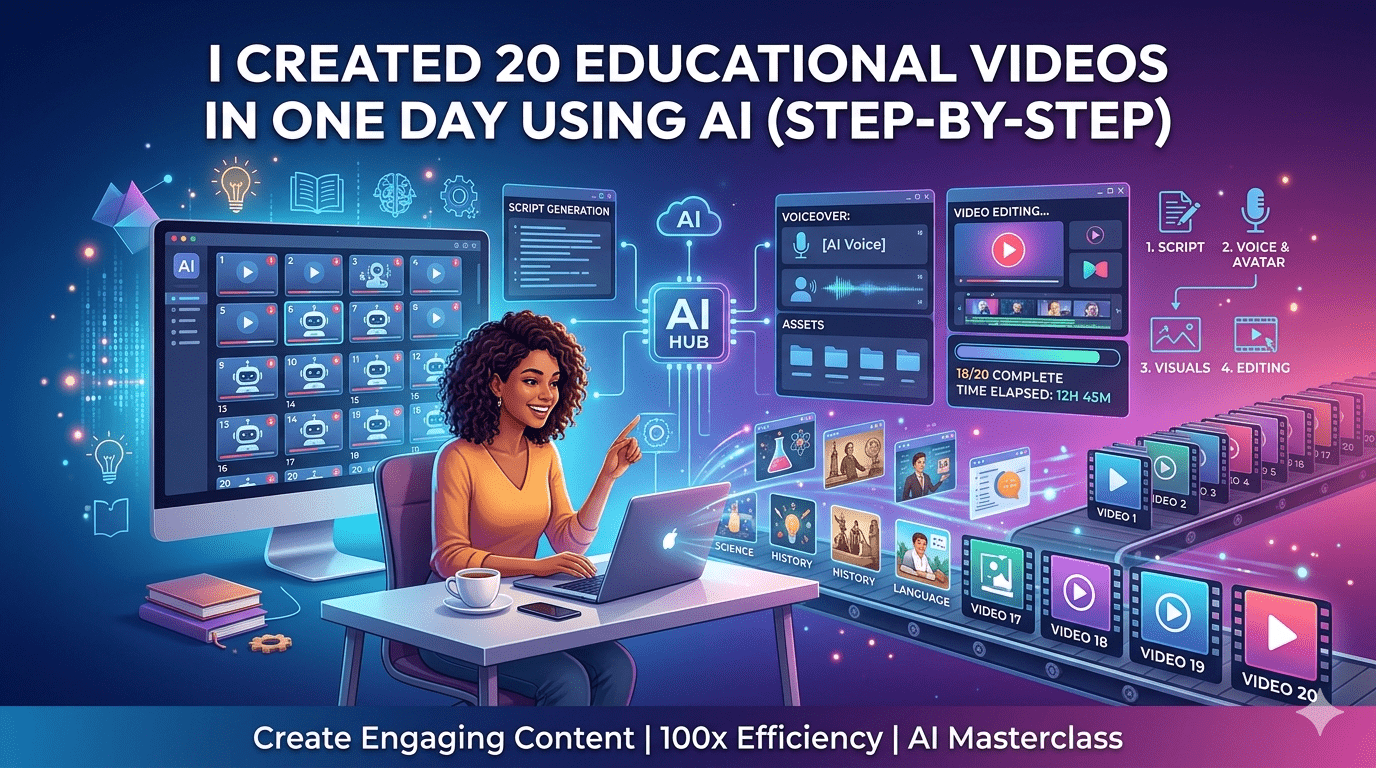
Creating educational videos used to be a time-consuming process. From scripting and recording to editing and publishing, a single video could easily take hours—or even days—to complete.
But what if you could create 20 high-quality educational videos in just one day?
That’s exactly what I did using AI tools—and in this guide, I’ll walk you through the exact step-by-step process so you can replicate it.
Why Traditional Video Creation Slows You Down
Before diving into the process, let’s understand the problem.
Most creators struggle with:
- Writing scripts from scratch
- Recording multiple takes
- Editing footage manually
- Adding captions and visuals
- Maintaining consistency across videos
This results in low output and burnout, especially for educators, course creators, and marketers.
That’s where AI changes everything.
My Goal: 20 Videos in 24 Hours
I set a clear goal:
- Create 20 educational videos
- Maintain consistent quality
- Keep each video between 2–5 minutes
- Complete everything within a single day
To achieve this, I streamlined the entire workflow using AI.
Step 1: Planning Content Topics (1 Hour)
Instead of randomly picking topics, I used a simple batching strategy.
What I did:
- Chose one niche (e.g., digital marketing basics)
- Broke it into 20 micro-topics
Example:
- What is SEO?
- Keyword Research Basics
- On-Page vs Off-Page SEO
- Backlinks Explained
Why this works:
- Keeps content focused
- Speeds up scripting
- Builds a content series (great for engagement)
Step 2: Generate Scripts with AI (2–3 Hours)
Writing scripts manually would take forever. So I used an AI script generator.
Process:
- Input topic + tone (educational, simple)
- Generate 2–3 minute scripts
- Lightly edit for clarity and accuracy
Tips:
- Keep sentences short
- Use conversational language
- Add examples to simplify concepts
By batching, I created 20 scripts in under 3 hours.
Step 3: Convert Scripts into Videos Automatically (4–5 Hours)
This is where the biggest time-saving happened.
Instead of recording myself, I used an AI video creation tool to:
- Convert scripts into videos
- Add voiceovers automatically
- Generate visuals and scenes
- Sync captions
What made this powerful:
- No camera needed
- No manual editing
- Consistent style across all videos
Within a few hours, I had all 20 videos generated.
Step 4: Add Visual Enhancements (2 Hours)
Even though AI handles most of the work, I made quick improvements:
- Added branded intro/outro
- Adjusted scene transitions
- Included simple icons or highlights
- Ensured captions were accurate
These small tweaks improved viewer retention and professionalism.
Step 5: Optimize for SEO and Platforms (2 Hours)
Creating videos is only half the job—distribution matters.
I optimized each video with:
- Keyword-rich titles
- Clear descriptions
- Relevant tags
- Engaging thumbnails
Platforms used:
- YouTube
- Instagram Reels
- Course platforms
Step 6: Bulk Upload & Scheduling (1–2 Hours)
Instead of posting manually, I scheduled everything.
Benefits:
- Consistent posting
- Saves time
- Builds audience momentum
In one day, I created a full month’s content pipeline.
Results After One Day
Here’s what I achieved:
- 20 educational videos created
- 100% consistency in style and quality
- No burnout or long editing hours
- Ready-to-publish content for multiple platforms
Key Lessons I Learned
1. Speed Comes from Systems
AI alone isn’t enough—you need a clear workflow.
2. Batch Everything
Batching topics, scripts, and production saves massive time.
3. Perfection Slows You Down
Focus on value over perfection. Done is better than perfect.
4. AI Is a Force Multiplier
Instead of replacing creativity, AI enhances productivity.
Who Should Use This Approach?
This method is perfect for:
- Teachers creating lesson videos
- Course creators building modules
- Coaches sharing knowledge
- Marketers producing educational content
- Bloggers expanding into video
Final Thoughts
Creating 20 educational videos in one day might sound unrealistic—but with the right AI workflow, it’s completely achievable.
The biggest shift is this:
You’re no longer limited by time—you’re only limited by your ideas.
If you’re serious about scaling content, this approach can transform your entire workflow and help you stay ahead in today’s fast-moving digital world.
