

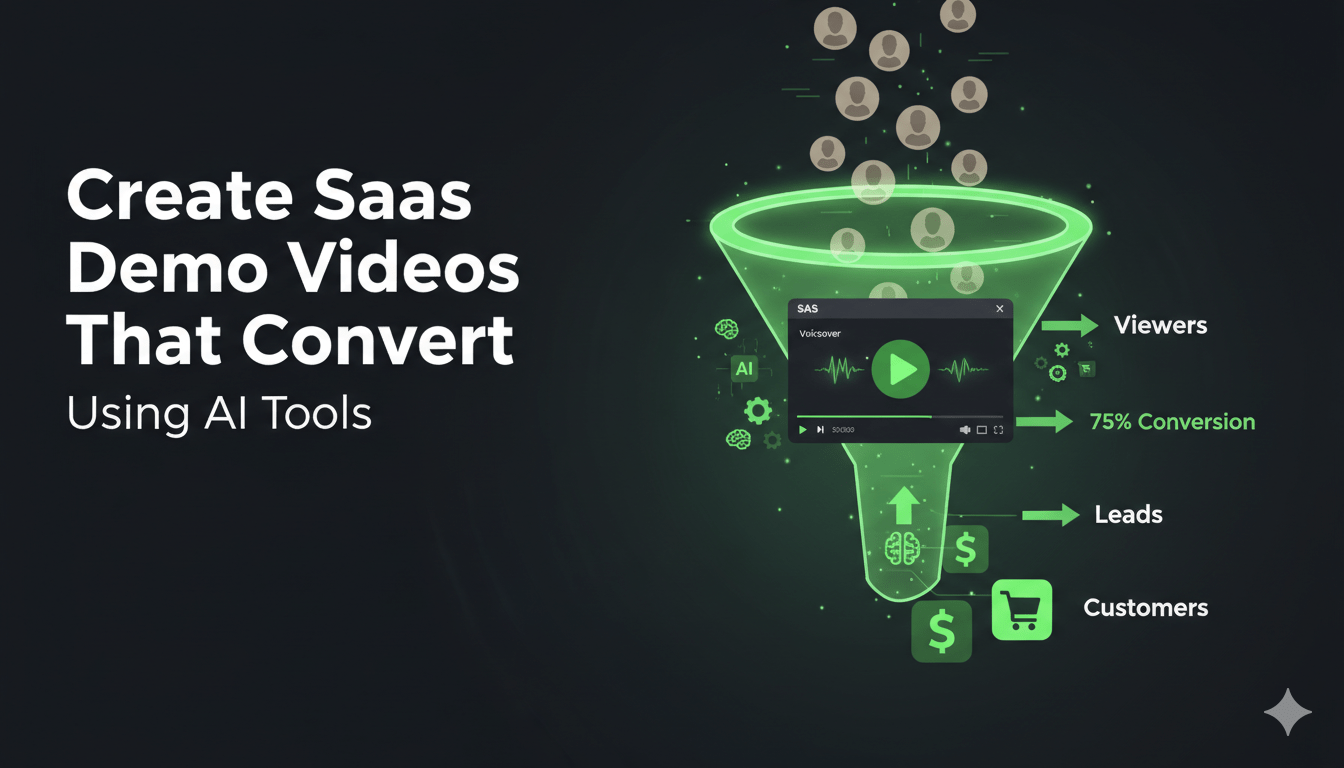
Introduction: Why Training Video Creation Feels So Hard
Let’s be honest—creating training videos has always been time-consuming.
You need to:
- Record your screen
- Write scripts
- Add voiceovers
- Edit clips
- Insert captions
For most people, this process takes hours… sometimes even days.
That’s exactly why many creators, educators, and businesses delay or completely avoid making training content.
But things have changed.
With the rise of AI, you can now create professional training videos in minutes—without any technical skills.
What Are AI Training Videos?
AI training videos are videos created using artificial intelligence tools that automate most of the production process.
Instead of manually editing everything, AI helps you:
- Convert scripts into videos
- Generate voiceovers automatically
- Add captions and subtitles
- Turn screen recordings into polished tutorials
This means you don’t need:
- Video editing experience
- Expensive software
- Professional voiceover equipment
Why AI Is Transforming Training Video Creation
AI is not just a trend—it’s changing how content is created.
Here’s why more people are switching to AI for training videos:
1. Speed Like Never Before
Traditional video creation can take hours. AI reduces that to minutes.
2. No Technical Skills Required
You don’t need editing or production knowledge. Most tools are beginner-friendly.
3. Cost-Effective Solution
No need to hire editors, voice artists, or designers.
4. Consistent Quality
AI ensures your videos maintain a professional and consistent look.
Step-by-Step: How to Create Training Videos Using AI
Creating a training video with AI is surprisingly simple. Here’s how it works:
Step 1: Record or Upload Your Content
Start with:
- A screen recording
- A presentation
- Or even just a script
Step 2: Add Your Script
Write a simple explanation of what your video should cover. AI will handle the rest.
Step 3: Generate AI Voiceover
Most AI tools can convert your script into natural-sounding voice narration.
Step 4: Auto-Create the Video
The AI combines visuals, voice, and transitions into a complete video.
Step 5: Add Captions and Final Touches
With one click, you can:
- Add subtitles
- Adjust pacing
- Improve clarity
Key Features to Look for in an AI Video Tool
Not all AI tools are the same. When choosing one, look for these features:
- AI Script Generation – Helps you write content faster
- Voice Automation – Converts text into human-like audio
- Screen Recording Integration – Essential for tutorials
- Auto Captions – Improves accessibility and engagement
- Easy Editing Interface – Drag-and-drop simplicity
Who Can Benefit from AI Training Videos?
AI training videos are useful across multiple industries:
Educators
Create lessons, tutorials, and online courses quickly.
Businesses
Train employees without long onboarding sessions.
SaaS Companies
Build product demos and walkthroughs efficiently.
Content Creators
Produce engaging tutorial videos without complex editing.
Common Mistakes to Avoid
Even with AI, there are a few things to keep in mind:
- Overloading information – Keep videos focused and concise
- Ignoring script quality – A clear script leads to a better video
- Skipping captions – Subtitles improve user engagement
- Using robotic tone – Choose natural-sounding AI voices
Tips to Make Your AI Training Videos More Engaging
Want your videos to stand out? Follow these tips:
- Use simple and clear language
- Break content into short sections
- Add real-world examples
- Keep videos under 5–10 minutes
- Use visuals to support explanations
The Future of Training Videos Is AI
AI is making video creation faster, easier, and more accessible than ever before.
What once required:
- A full production team
- Expensive tools
- Hours of editing
…can now be done in minutes.
As AI continues to evolve, training videos will become even more interactive, personalized, and effective.
Conclusion
Creating training videos no longer has to be complicated.
With AI, anyone—regardless of skill level—can produce high-quality training content quickly and efficiently.
Whether you’re a teacher, business owner, or content creator, AI tools can help you save time, reduce costs, and scale your content like never before.
If you’ve been putting off creating training videos, now is the perfect time to start.
