

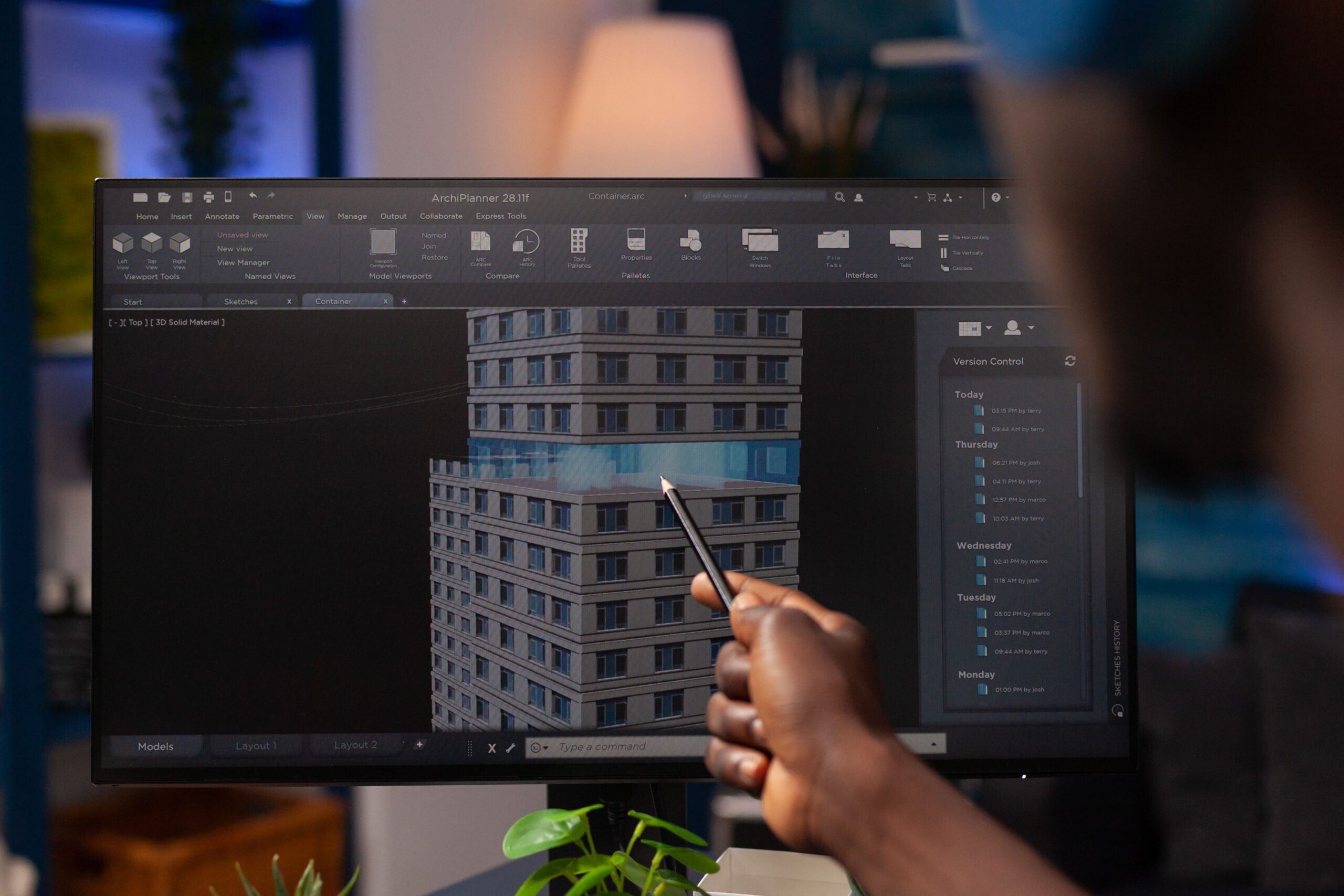
Building Information Modeling (BIM) has transformed the way architects plan, design, coordinate, and deliver construction projects. At the center of this transformation lies one essential principle—Levels of Development (LOD). Whether an architectural project involves concept design, design development, millwork detailing, modular construction, infrastructure planning, or renovation supported by point cloud to BIM services, LOD defines how much information the 3D model should contain at each stage.
Without a clear understanding of LOD, architectural BIM models often become inconsistent, over-modeled, under-detailed, or unusable for downstream workflows like procurement, scheduling, fabrication, and facility management. This guide breaks down LOD 100–500 and explains why they are crucial for precise, coordinated architectural 3D modeling.
What Is LOD in BIM?
LOD stands for Level of Development, a standardized framework that defines:
- The amount of information in a model
- The accuracy and detail of the geometry
- How reliable the model is for decision-making
In architectural BIM services, LOD ensures that all stakeholders—architects, engineers, contractors, fabricators, and owners—understand exactly what level of detail to expect at any phase of the project.
A Breakdown of LOD 100–500
LOD 100 – Conceptual Design
At LOD 100, the architectural model contains:
- Basic masses and shapes
- Approximate dimensions
- Early-stage spatial representation
This stage is used for feasibility studies, conceptual layouts, and initial BIM consulting activities. Architects use LOD 100 models to explore volumes, site constraints, and design intent before moving into detailed modeling.
Use cases:
- Early planning
- Zoning analysis
- Preliminary cost studies
LOD 200 – Approximate Geometry
LOD 200 introduces more defined geometry, but the elements are still considered approximate.
Includes:
- Generic system components
- Estimated dimensions
- Early coordination between architecture, structure, and MEP
LOD 200 is essential during BIM design development, where project teams refine layouts, conduct basic clash checks, and structure the model for upcoming phases.
Use cases:
- Schematic design
- Basic coordination
- Early material planning
LOD 300 – Precise, Coordinated Geometry
LOD 300 models are accurate enough to be used for:
- Detailed design
- Construction documentation
- Permit submissions
- Coordination among all disciplines
Every wall, window, slab, stair, door, and architectural element is modeled with accurate size, shape, and location.
At this stage, the BIM model starts supporting parallel workflows like:
- Millwork shop drawings
- 4D scheduling for construction planning
- BIM for procurement and quantity take-offs
Use cases:
- Coordination meetings
- Clash detection
- Construction documents
LOD 350 – Interfaces, Connections & Advanced Details
As projects become more complex, LOD 350 adds greater clarity by modeling connections, supports, and interfaces between building systems.
Examples include:
- Wall-to-floor interactions
- Door and window integration details
- Millwork joinery or interior detailing
- Clearances for MEP systems
LOD 350 prevents errors during construction, fabrication, and installation—especially useful for architectural millwork, modular components, and custom interiors.
Use cases:
- Fabrication coordination
- Detailed interior modeling
- Interface clash resolution
LOD 400 – Fabrication-Ready Models
LOD 400 models include the level of detail required for:
- Shop drawings
- Prefabrication
- Modular construction
- Manufacturing workflows
Architectural elements such as wall assemblies, panel systems, millwork, staircases, curtain walls, and façade elements are modeled to exact specifications.
LOD 400 plays a major role in:
- Modular construction BIM
- High-precision millwork shop drawings
- Fabrication planning and logistics
Use cases:
- Prefabrication
- Construction sequencing
- Fabrication-ready detailing
LOD 500 – As-Built Models
LOD 500 represents the completed building exactly as constructed. It includes:
- Verified geometry
- Actual material specifications
- Field dimensions based on installation
- Equipment and asset data
LOD 500 is typically generated using point cloud to BIM services, where laser scans capture real-world conditions that are then converted into highly accurate as-built models.
Use cases:
- Facility management
- Operations & maintenance
- Renovation planning
- Lifecycle asset tracking
Why LOD Matters in Architectural 3D Modeling
A clear LOD strategy helps:
Prevent over-modeling and under-modeling
Teams focus only on what is required for that phase, saving time and cost.
Reduce design conflicts and rework
A consistent LOD approach ensures the model supports coordination effectively.
Improve communication with stakeholders
Everyone knows what information to expect at each stage.
Enable downstream BIM workflows
LOD directly influences accuracy in:
- Procurement
- 4D scheduling
- Quantity take-offs
- Fabrication
- Modular assembly
- Infrastructure BIM modeling
Support regulatory and compliance approvals
Models can be structured to meet documentation requirements at defined LOD stages.
How LOD Supports Each Phase of Architectural BIM
1. Concept Design → LOD 100
Initial forms, massing, and orientation.
2. Schematic & Design Development → LOD 200–300
Refined architecture, coordinated layouts, and accurate geometry.
3. Construction Documentation → LOD 300–350
Details ready for permit, approval, and coordination.
4. Fabrication & Installation → LOD 400
Exact models for manufacturing and modular assembly.
5. Facility Management → LOD 500
Complete digital twin for lifecycle operations.
LOD in Specialized Architectural Workflows
Millwork and Interior BIM
LOD 350–400 ensures joinery, cabinetry, and interiors fit perfectly without rework.
Modular Construction
Modules require fabrication-level accuracy—LOD 400 is essential.
Infrastructure Architecture
Transit buildings, stations, bridges, and public spaces rely on discipline-rich LOD definitions.
Renovation & Existing Buildings
LOD 500 provides reliable base geometry using point cloud to BIM workflows.
Choosing the Right LOD: Best Practices
- Start with a clear BIM Execution Plan (BEP)
- Avoid modeling more detail than required
- Follow uniform templates, naming conventions, and standards
- Ensure cross-discipline coordination at LOD 300+
- Update the LOD matrix as the scope evolves
Working with experienced BIM teams ensures the right LOD is applied without inflating project time or cost.
Conclusion
LOD is the backbone of effective architectural 3D modeling. From conceptual massing to fabrication-ready details and digital twins, LOD defines how accurate, reliable, and usable a BIM model will be across the entire project lifecycle. By integrating services like BIM consulting, design development, millwork shop drawings, modular construction BIM, point cloud to BIM, and 4D scheduling, architectural teams can deliver coordinated, zero clash, construction-ready models that support every stakeholder in the workflow.
